PostHog analytics for iOS
Your pageviews.
Your pocket.
Glanceable analytics on your home screen. Check your stats in one second, not thirty. Built for founders who obsess over the numbers.
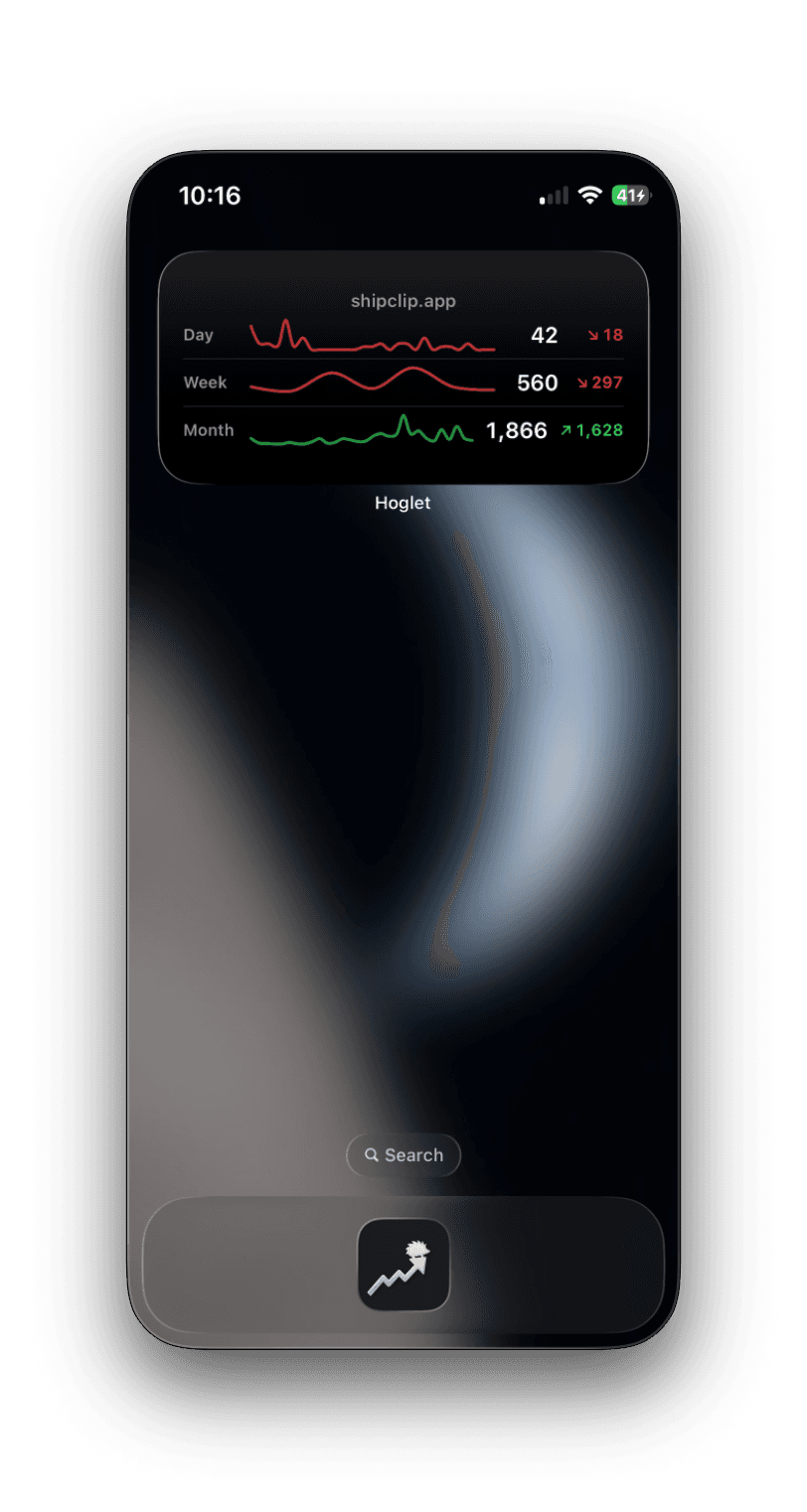
See it in action
Check your stats like you check your stocks
- Your count, your trend, your delta. Right on the home screen.
- Open to close in under a second. No MFA login dance.
- Green glow when you're up. Red when you're not.
- Multiple PostHog projects, one swipe apart.
Every size
Pick your glance
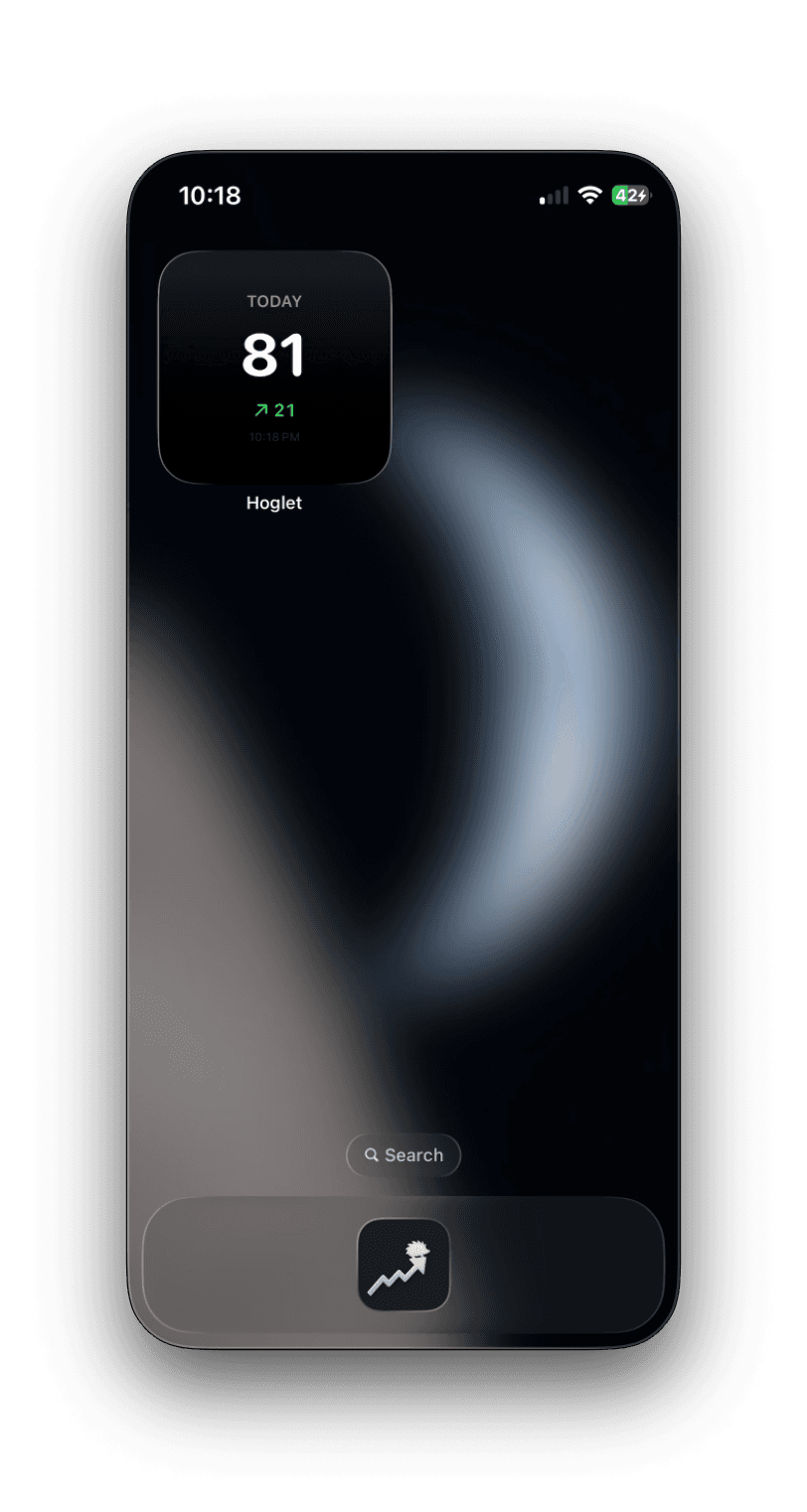
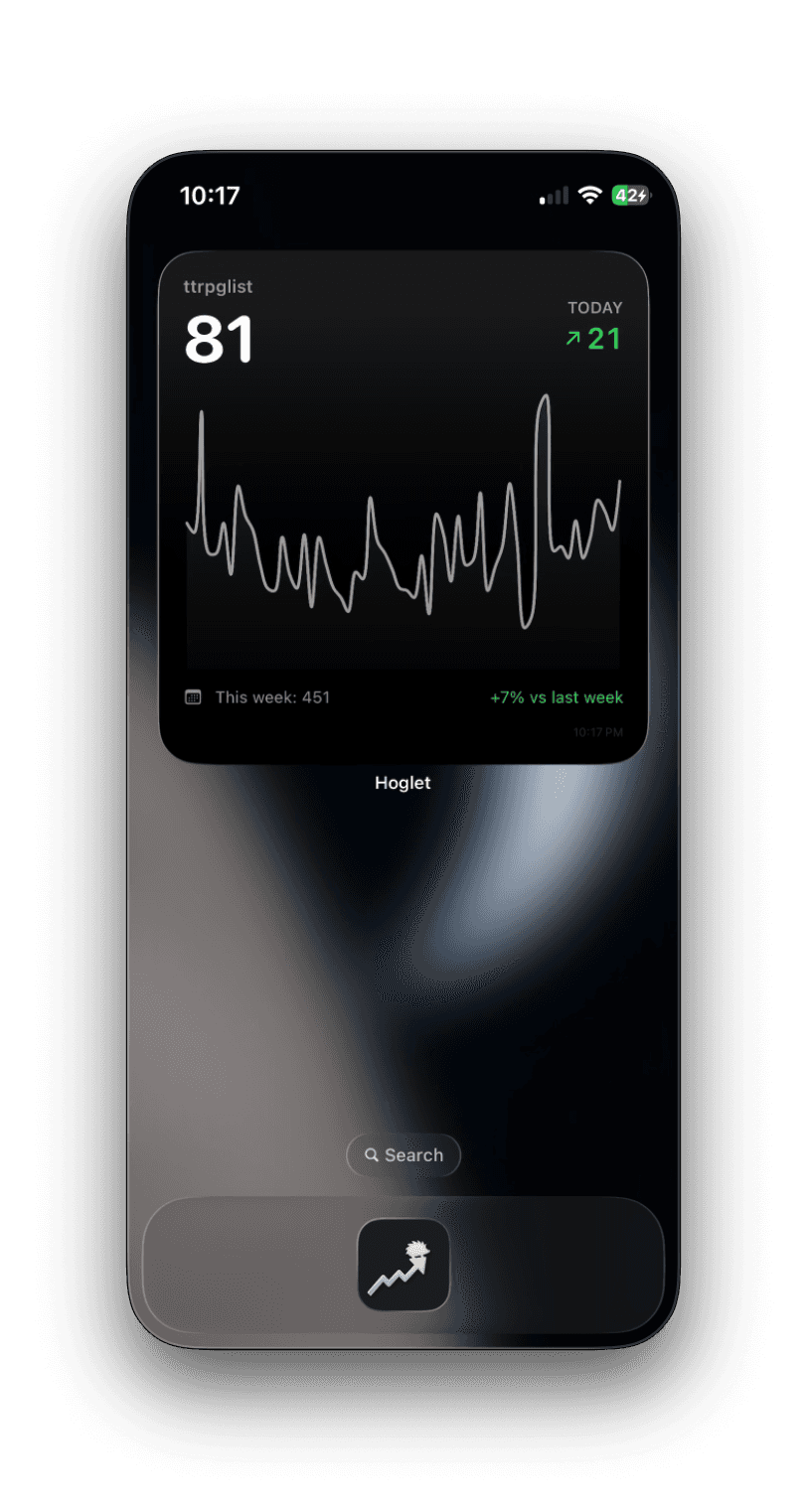
Small for the lock screen. Medium for sparklines and deltas. Large for the full picture. Pick the one that matches your obsession level.
At a glance
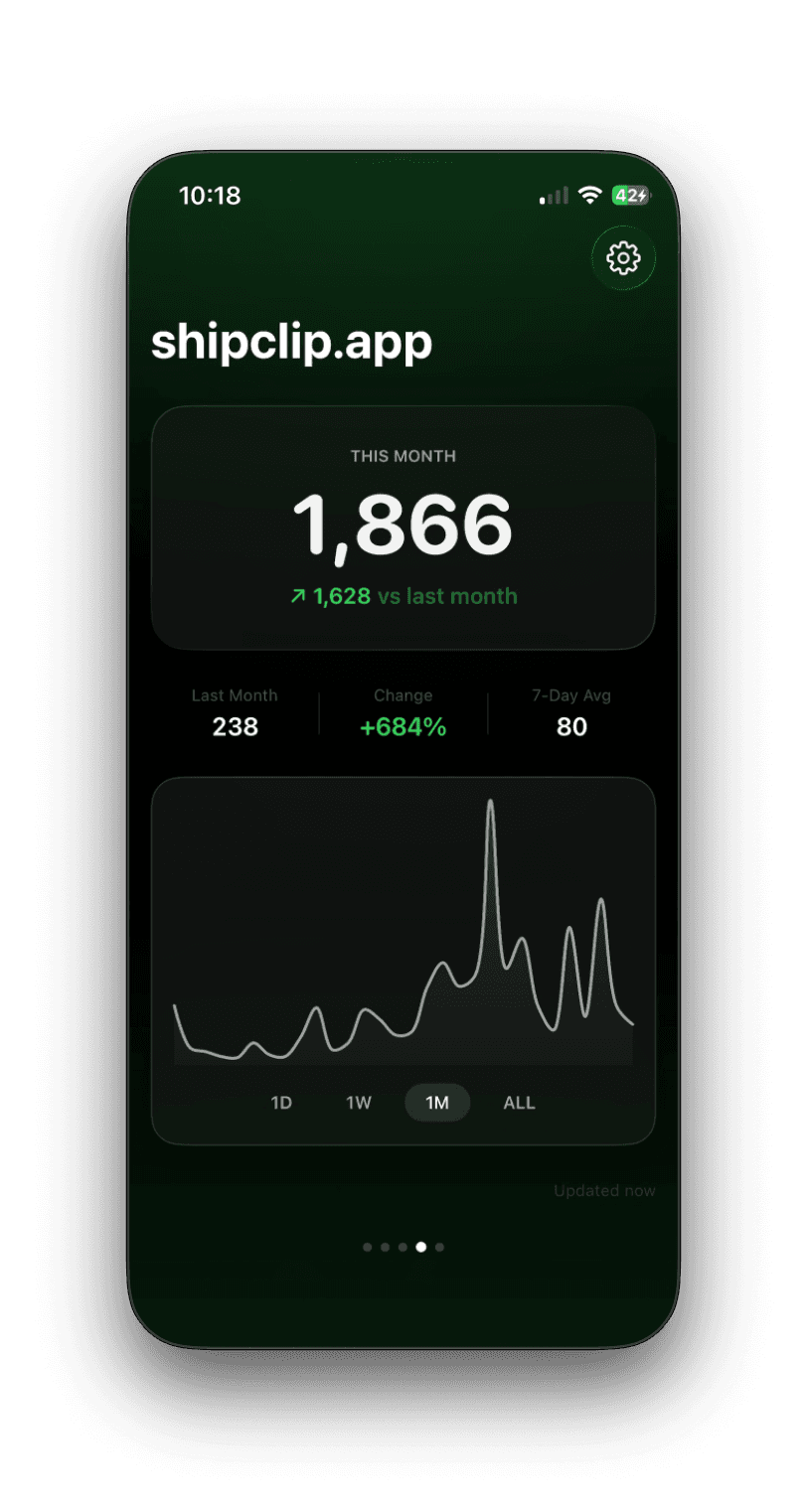
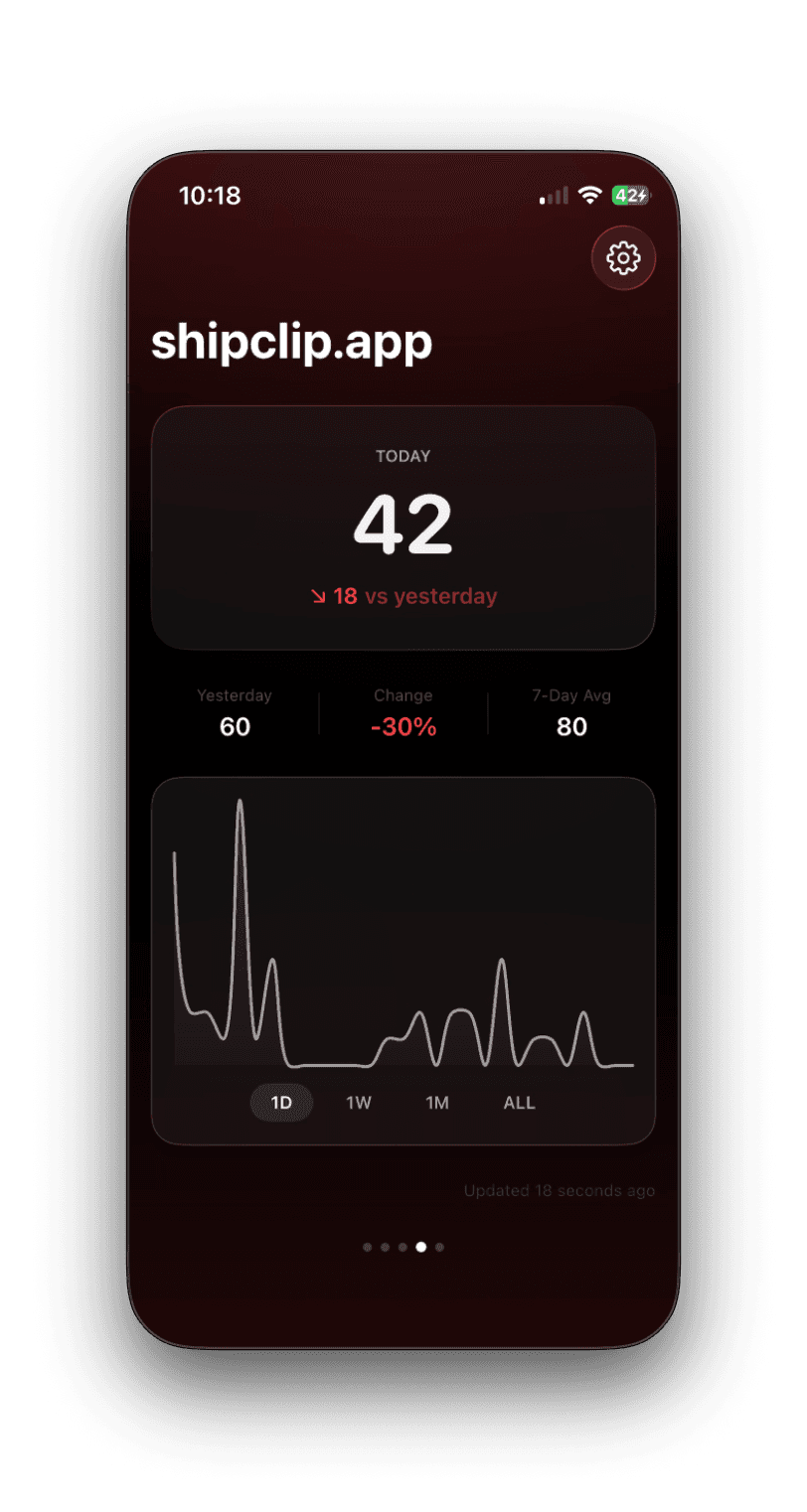
Know if you're up or down
Green when traffic is climbing. Red when it drops. You know the answer before you read a single number.
Don't be a scrub
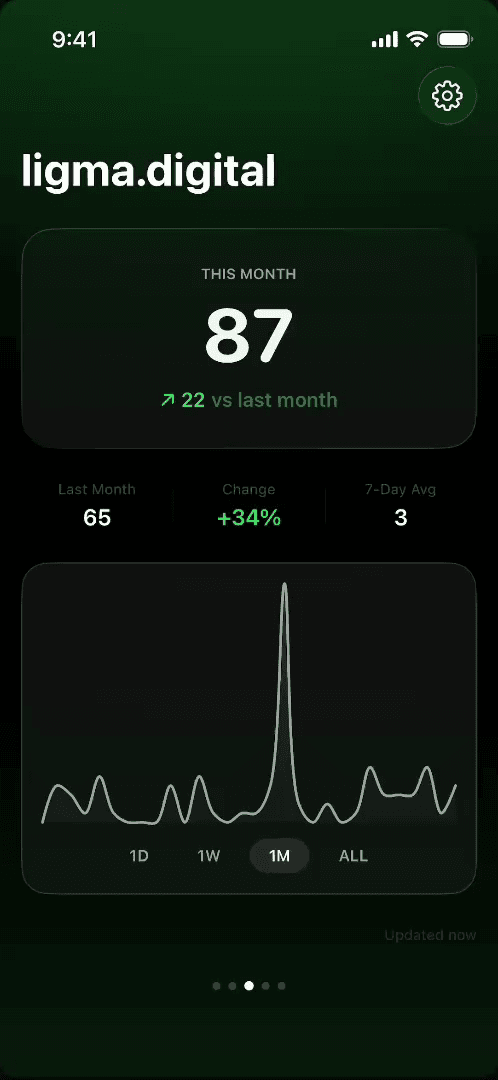
Scrub. Compare. Switch.
Drag across the chart to inspect any point. Toggle 1D, 1W, 1M, ALL to zoom in or out. Swipe between projects. The whole thing feels like checking a stock ticker.
Built for founders who check
their stats at 2am
Requires iOS 26+. Works with PostHog Cloud.
Setup in 60 seconds
Three steps. No SDK.
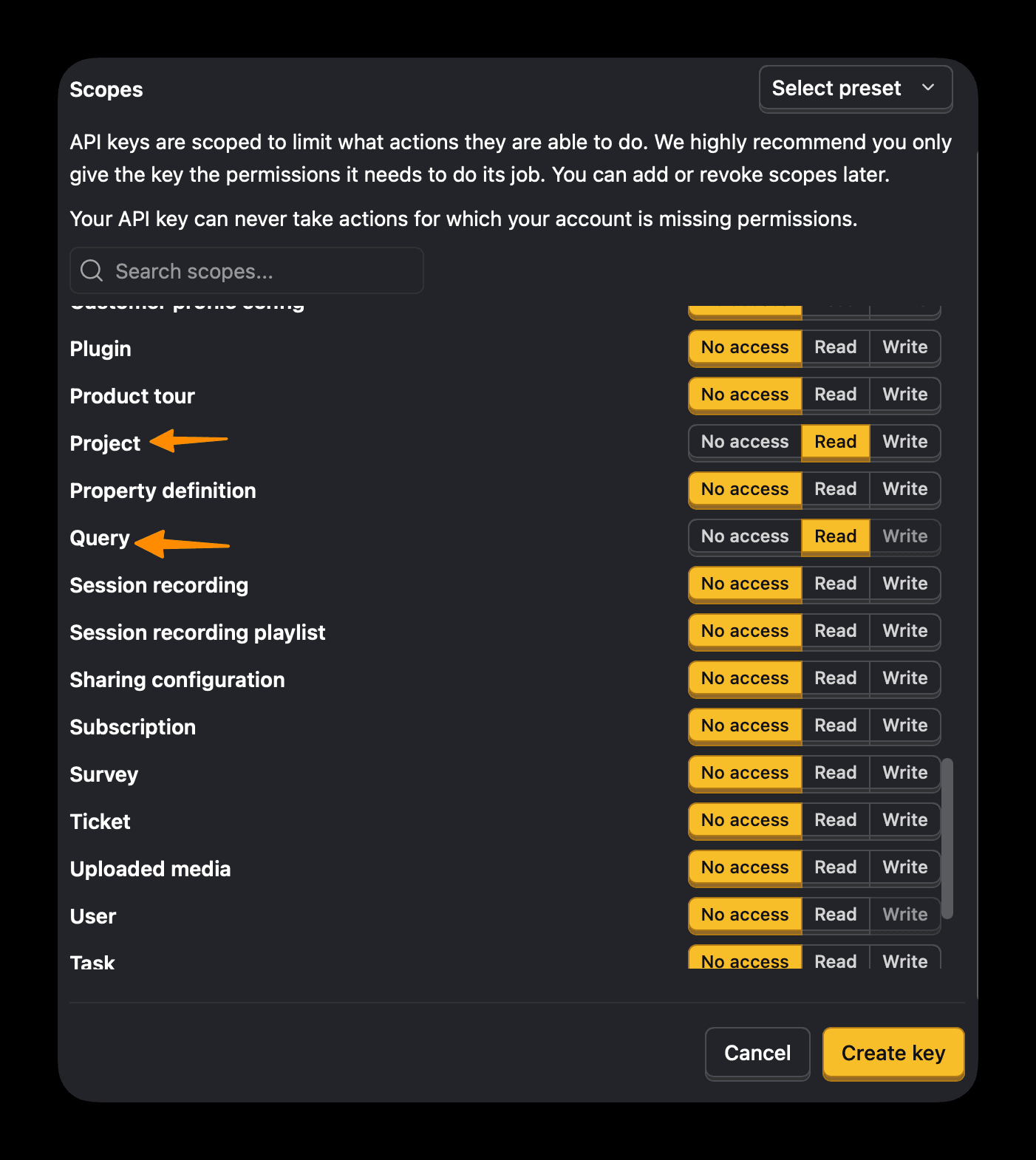
Paste your API key
Create a PostHog Personal API Key with Project: Read and Query: Read scopes. Paste it in Hoglet.
Pick a project
If you have multiple PostHog projects, choose which one to track. You can switch anytime.
Add the widget
Long-press your home screen, add a Hoglet widget. Small, medium, large, or lock screen. Done.